Summit help & setup
Everything you need to get your family climbing — from the first sign-in to reading the parent portal.
What is Summit
Summit is a mastery-based math tutor. Instead of watching videos, students practice one skill at a time and have to get five questions right in a row before the skill counts as mastered and the next one unlocks. Every question is generated fresh, so there's no answer key to memorize — only the method to learn.
It's built for families: a parent sets up a family, each child joins on their own phone, and the parent can see exactly where everyone is stuck.
Signing in
Everyone — parents and kids — signs in the same simple way: with a phone number. There's no password and no app to download.
- Go to summitmath.app on your phone.
- Enter your mobile number and tap Send code.
- Type the 6-digit code you receive by text. That's it — you're in.
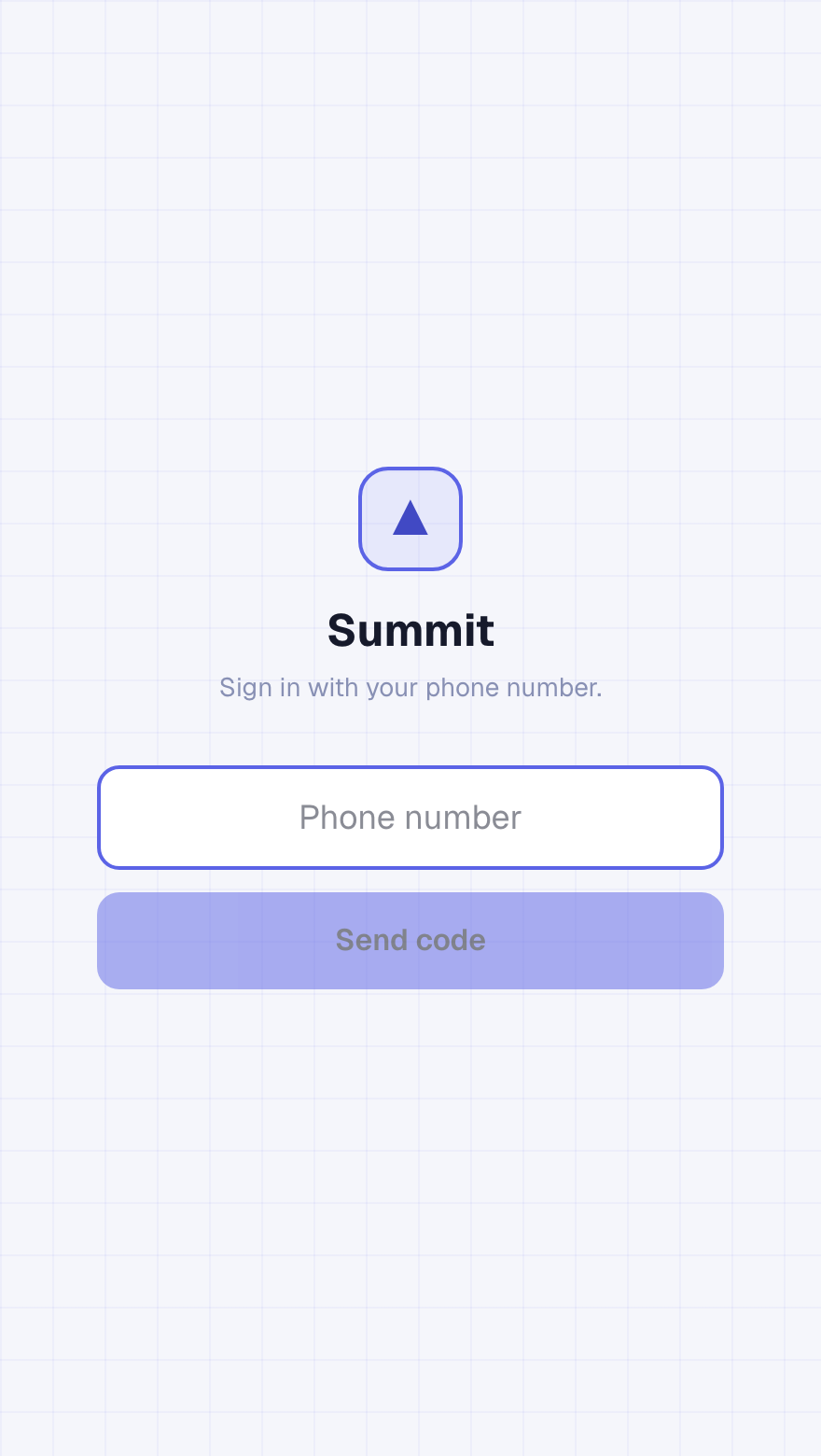
Each person uses their own phone number — that's how Summit keeps each student's progress separate inside the family.
Create your family · parents
The first time you sign in, Summit asks whether you're setting things up or joining. Choose “I'm a parent,” then “Create a new family.” Enter your name and you're done — Summit generates two codes for you.
- A kid code — share this with your children so they can join.
- A parent code — use this to add a second parent later.
Both codes always live at the top of your parent portal, so you never have to write them down.
Invite your kids
- Open your parent portal and find the Kid code at the top.
- Have each child sign in on their own phone at summitmath.app.
- They choose “I'm a student,” enter the kid code and their first name, and tap Start climbing.
Same code for every child. All your kids use the one kid code — Summit keeps their progress separate by phone number.
Add a co-parent
Want a second parent to see the portal too? Share your parent code (the second code in your portal).
- The second parent signs in with their own phone number.
- They choose “I'm a parent,” then “Join as a co-parent.”
- They enter the parent code and their name — and they'll see the same family and the same kids.
Read the parent portal
The portal is your home base. At a glance you'll see every learner's rank, Ascent Points, streak, and how many skills they've mastered.
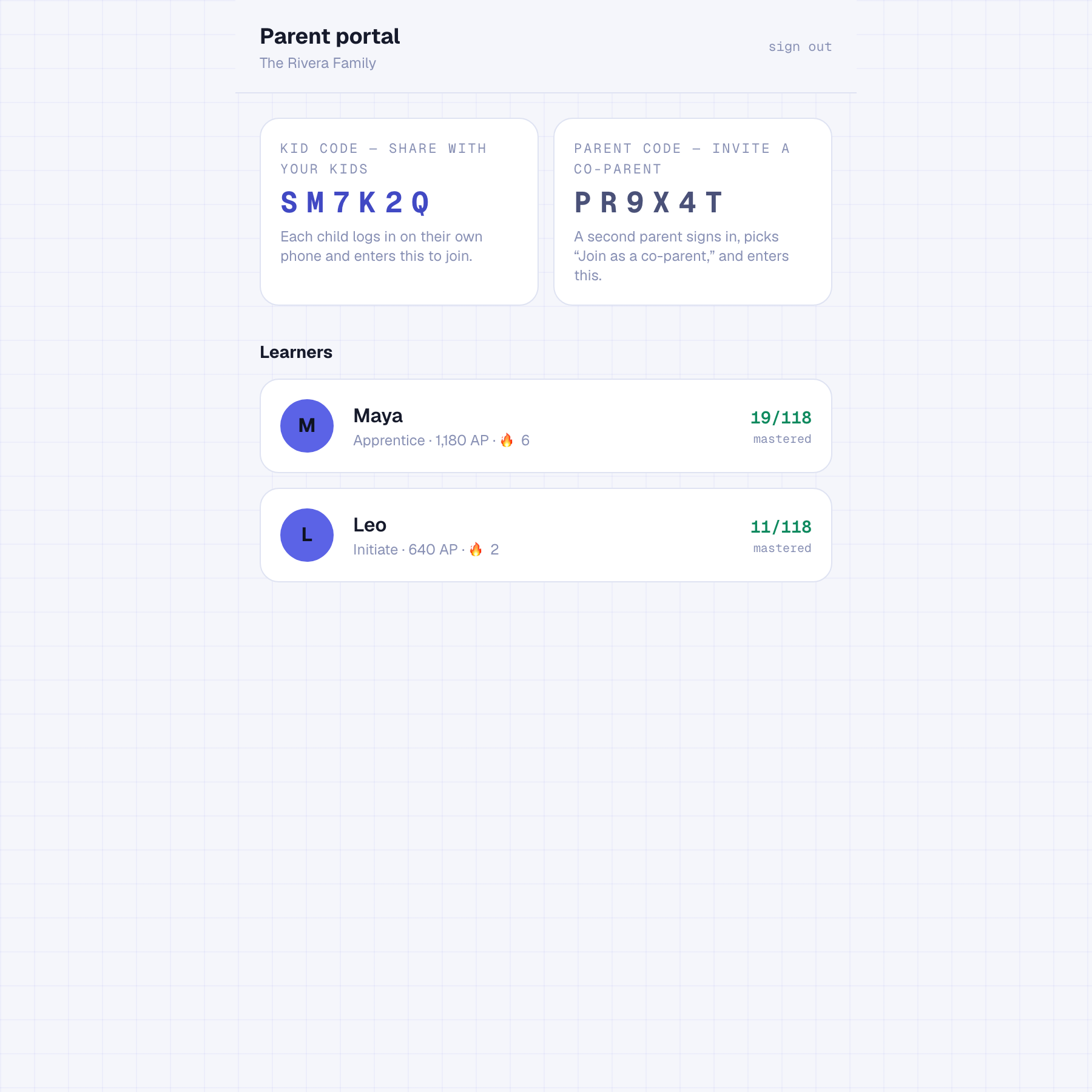
Tap a child to drill in. Summit surfaces the specific misconceptions behind their wrong answers — like flipping a sign when distributing a negative — and flags the skills where they're getting stuck, so you know exactly what to help with.
Join your family · students
Ask your parent for the family's kid code, then:
- Sign in at summitmath.app with your phone number.
- Choose “I'm a student.”
- Enter the kid code and your first name, and tap Start climbing.
How practice works
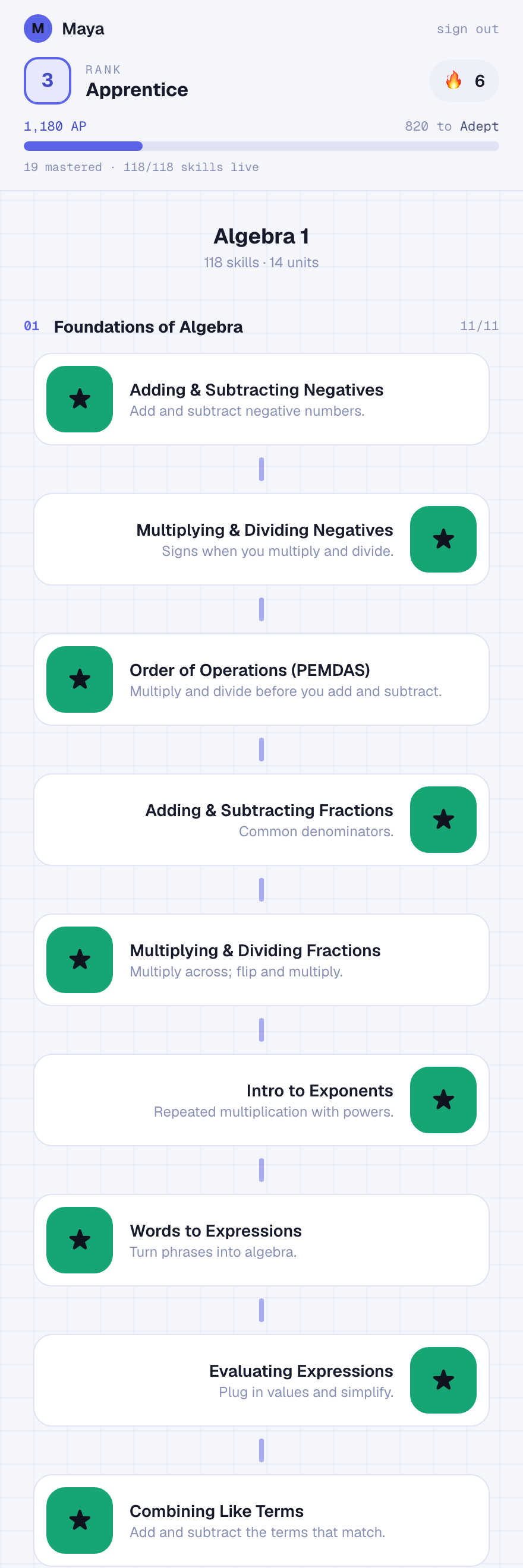
Your map shows all of Algebra 1 as a path of skills. Tap the skill you're on to start. Each one gives you a quick teach, then real questions.
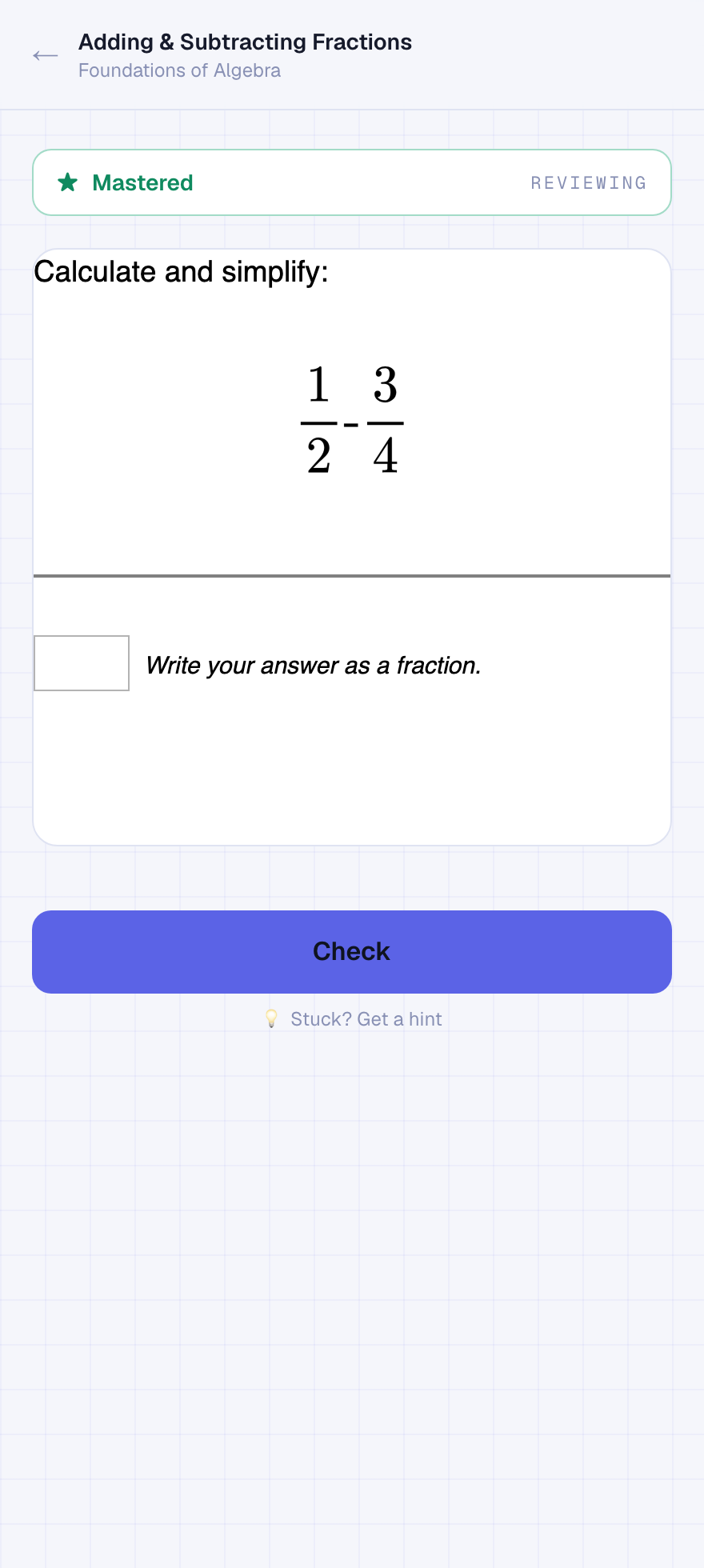
- Type your answer and tap Check.
- Get five in a row right and the skill turns gold — mastered — and the next skill unlocks.
- Miss one and the streak resets. That's on purpose: mastery means you really have it.
- Already-mastered skills stay open so you can review any time.
On your phone: for number answers a numeric keypad pops up, with extra − and ⁄ buttons right under the box when you need a negative or a fraction.
Points & ranks
Every correct answer earns Ascent Points (AP). Harder skills and longer streaks are worth more. Points move you up a ten-step ascension ladder:
Wanderer → Initiate → Apprentice → Adept → Scholar → Sage → Master → Archon → Ascendant → Immortal
Getting hints
Stuck on a question? Tap “Stuck? Get a hint.” Summit's AI gives you a nudge in the right direction — a question to think about or the next step to try. It won't just hand you the answer, because the point is to learn how to get there yourself.
Troubleshooting
I didn't get the text code
A question won't load
My phone shows the full keyboard for a number answer
− and ⁄ buttons shown just under the answer box.